
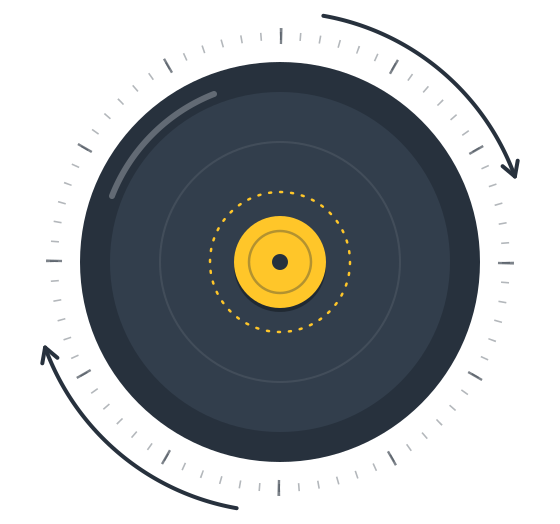
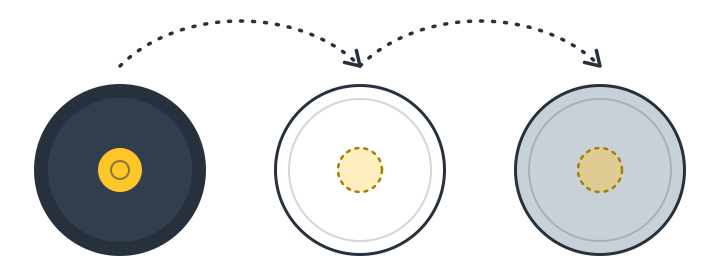
Moves from disc to disc
Attach the tag to any disc. Move it to the next one whenever you like.
Placeholder: how the tag attaches
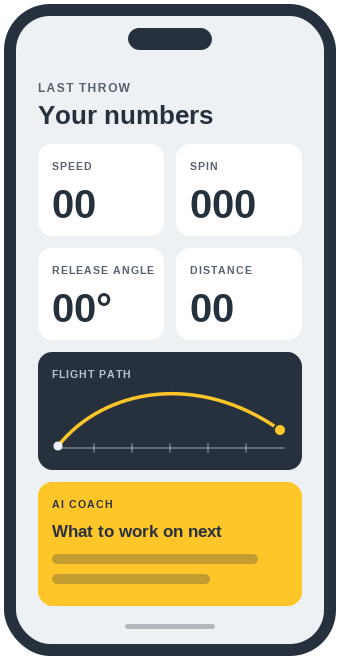
Four numbers, every throw
The tag measures each throw from the moment you let go.
-

Speed
How fast the disc leaves your hand. More speed can mean more distance.
-

Spin
How fast the disc rotates. Spin helps a disc hold its line.
-

Release angle
The angle of the disc as you let go. It shapes the whole flight.
-

Distance
How far the throw goes. The number everyone wants to grow.
See it in the app
Pair the tag with the DiscTrace app. Your numbers show up for every throw.
The AI coach analyzes them and tells you what to work on.
Tag specs
| Weight | Placeholder: weight |
|---|---|
| Size | Placeholder: dimensions |
| Battery life | Placeholder: battery life |
| Charging | Placeholder: charging method and time |
| Water resistance | Placeholder: water resistance |
| How it attaches | Placeholder: attachment method |
| Phone connection | Placeholder: connection type |
| Supported phones | Placeholder: supported phones and versions |
| In the box | Placeholder: box contents |
| Warranty | Placeholder: warranty |
Simulator included
Throw into a net indoors and pick any disc golf course in the world.
See the simulator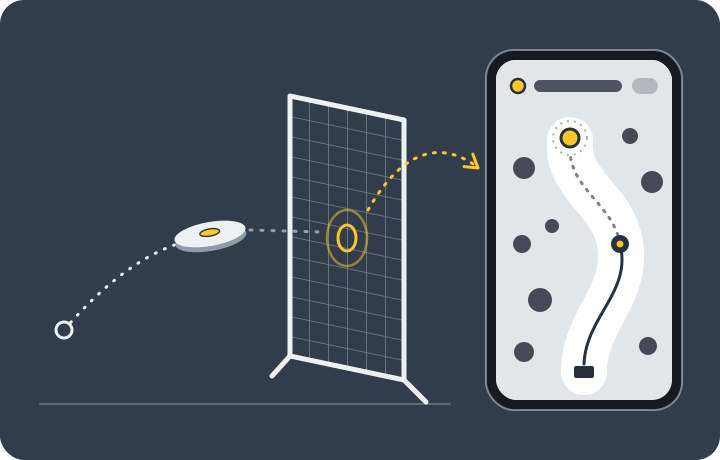
Get the tag
One price. Everything included.
- Smart tag
- Mobile app
- AI coach
- Simulator